
Home
Taskforge
TaskforgeTaskforge
  • Features
  • How it Works
  • Platform Capabilities
  • FAQs
Access Dashboard
Home
TaskforgeTaskforge

Menu

  • Features
  • How it Works
  • Platform Capabilities
  • FAQs

Taskforge brings your business together with
Intelligent Workflow Automation

TaskForge unifies workflow automation, document management, and process orchestration into a single, secure platform. Eliminate manual processes, centralize operations, and gain complete visibility, all without writing code.

    Get Started
Taskforge workflow builder and business process overview

From approval workflows to document signing, TaskForge replaces fragmented tools and manual processes with a unified, automated system built for modern teams.

Features

Robust Features That Empower Your Workflows and Drive Results

feature-1

Smart Forms & Data Collection

Create shareable forms with password protection, webhook triggers, and workflow integration. Redirect users upon completion or embed forms directly into your processes for seamless data capture.

feature-1

Visual Workflow Builder

Design complex workflows without code. Configure approvals, conditional logic, loops, and routing with an intuitive drag-and-drop interface. Track every step from initiation to completion.

feature-1

Document Management & E-Signature

Centralize document storage, send files for signature with enforced signing order, track expirations, and manage rework flows—all in one place. Signed documents are automatically distributed to all recipients.

How It Works

Get Started in Minutes, Scale Instantly

Build, deploy, and optimize workflows with ease. TaskForge handles the complexity so you can focus on results

Design Your Workflow

Use the visual workflow builder to map your process. Add approval steps, forms, conditional logic, and integrations without writing code.

Configure Permissions

Assign users to roles and groups. Set granular permissions for who can create, view, approve, or manage workflows and documents.

Launch & Monitor

Activate your workflow and track execution in real-time. Build dashboards to monitor performance, identify bottlenecks, and optimize processes continuously.

Platform Capabilities

Experience the Power of Our Platform

Powerful capabilities that go beyond workflow automation. Built for teams that need more than basic tools.

No-code workflow design

Design approval workflows in Taskforge with forms, conditions, loops and notifications. Build the process visually and follow each request as it progresses.

new-arrownew-arrow
services

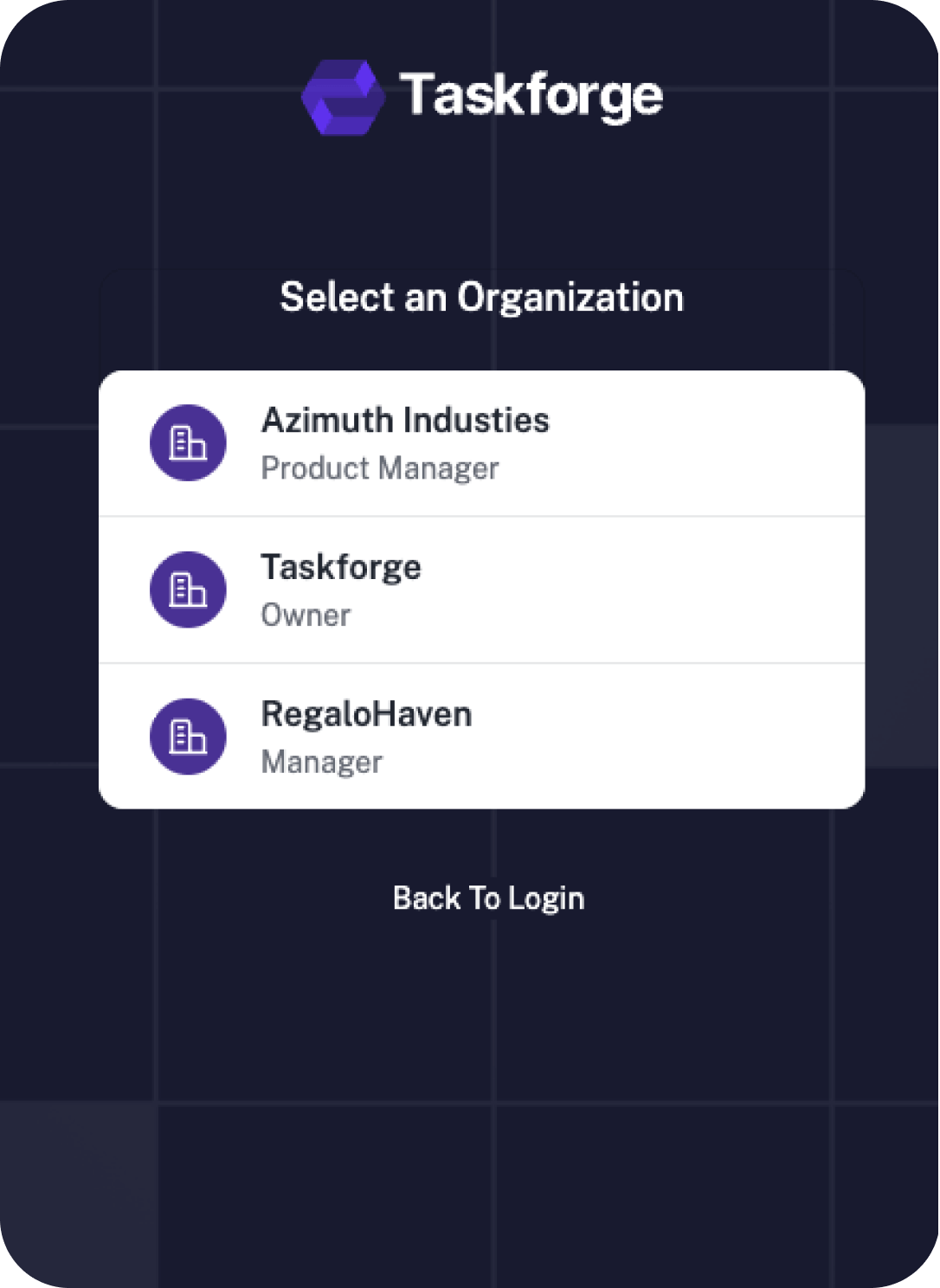
Multiple organizations in Taskforge

Manage work in separate Taskforge organizations with their own users, permissions and configuration.

new-arrownew-arrow
services

Managed workflow credentials

Manage external connection credentials and control their use in Taskforge workflows.

new-arrownew-arrow
services

Process communication tracking

Keep request comments, activity and supported communications connected to the relevant Taskforge process.

new-arrownew-arrow
services

External data for workflows and reporting

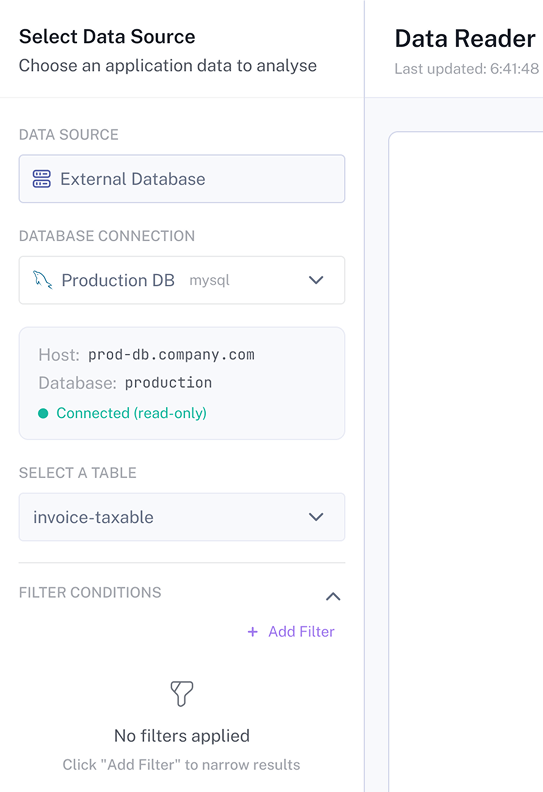
Bring external data into Taskforge reporting and processes through supported connections.

new-arrownew-arrow
services

Dashboards and DataReader

Use Taskforge DataReader to explore forms, processes and connected data through filtered dashboards.

new-arrownew-arrow
services

Workflow integrations

Connect Taskforge workflows to external services through supported connectors, HTTP requests and webhooks.

new-arrownew-arrow
services

Workflow collaboration

Let teams maintain and review Taskforge workflows with shared process context.

new-arrownew-arrow
services

Workflow permissions and governance

Control access to Taskforge workflows, forms, dashboards and connections through organization permissions.

new-arrownew-arrow
services

From a submitted form to the next action

Build it, try it, then see how it is doing. Taskforge helps your team collect answers, make decisions and keep work moving.

Try before you publish

Give your workflow a practice run

Use the workflow simulator to try an example and follow the steps it takes. Check where a decision sends the request and spot steps that need fixing before your team starts using it.

Try a simple question

“If someone asks to spend more than our limit, does the request go to the extra approver?” Check both a small amount and a large amount.

A practice run helps you check the flow. Test connected services and real permissions in your test setup too.

Explore workflow design
See how work is going

Turn everyday work into useful stats

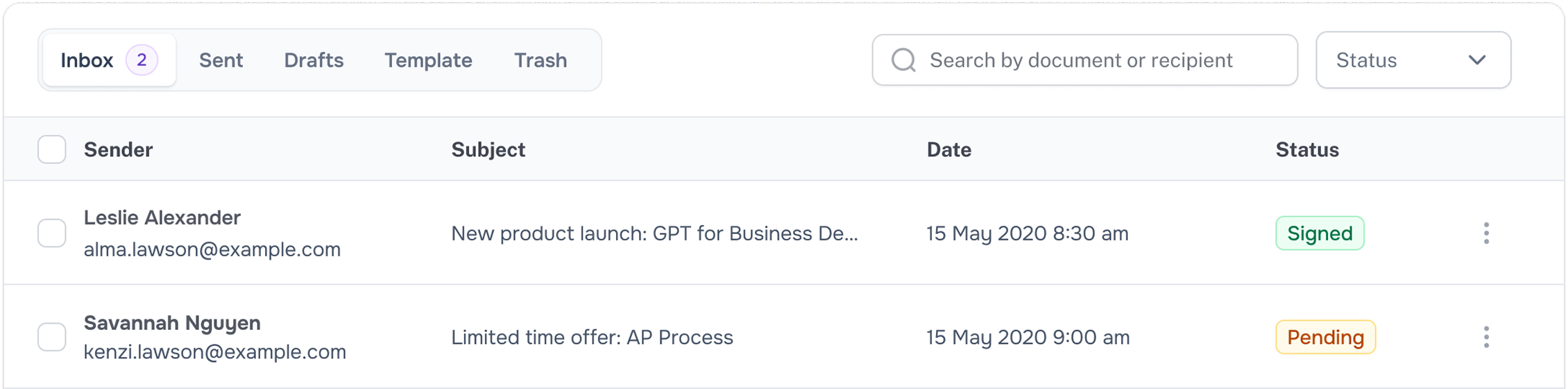
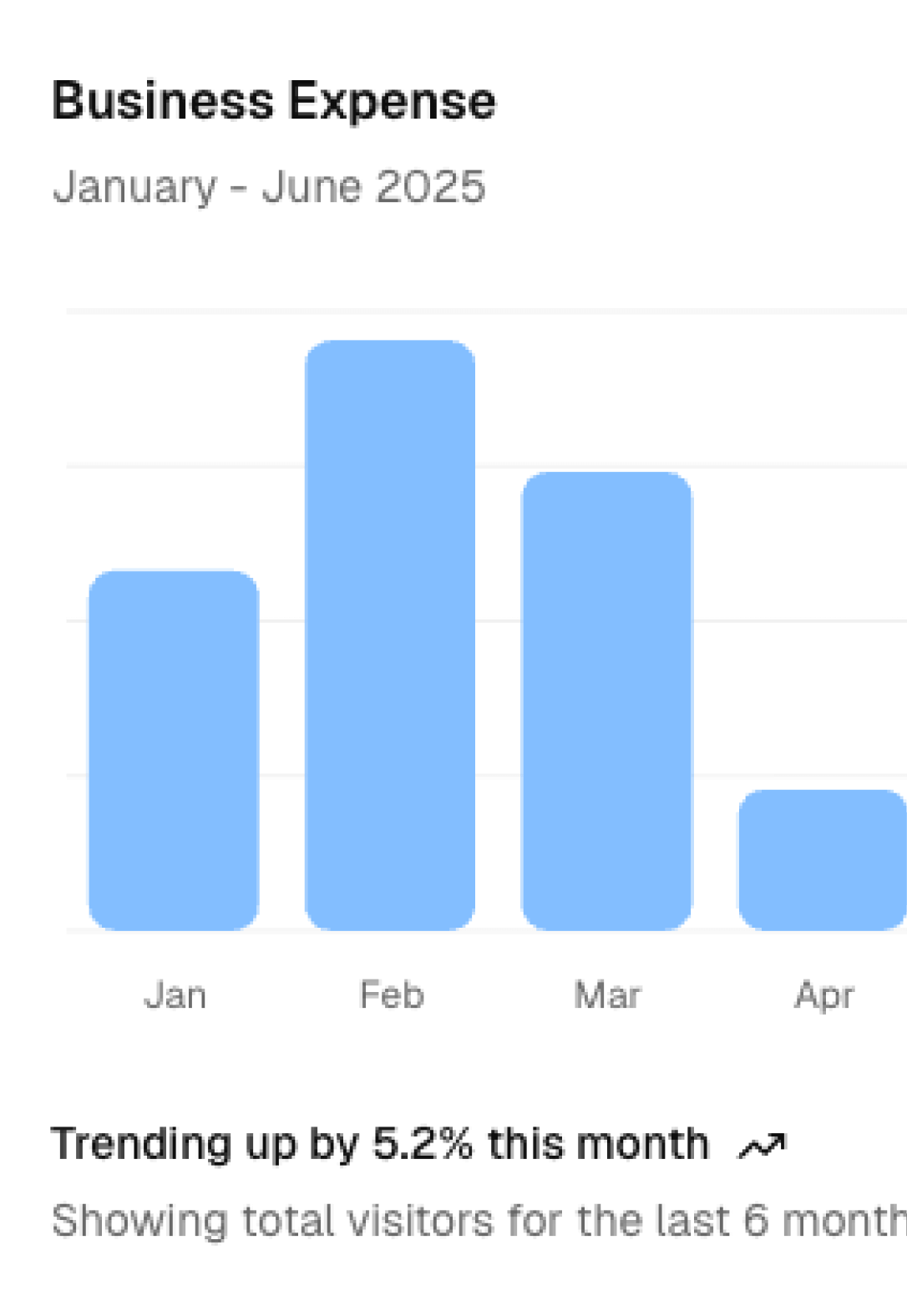
Operational stats are numbers that help you understand your work. Use dashboards and filters to see which requests are waiting, which are finished and where your team may need help.

  • What is waiting? Find requests that still need attention.
  • What is done? Review completed work for the period you choose.
  • Where is the delay? Use available status and time data to look for slow steps.

Choose the data and measures for your dashboard. What people can see depends on their access.

Explore dashboards and reporting

Build a form without writing code

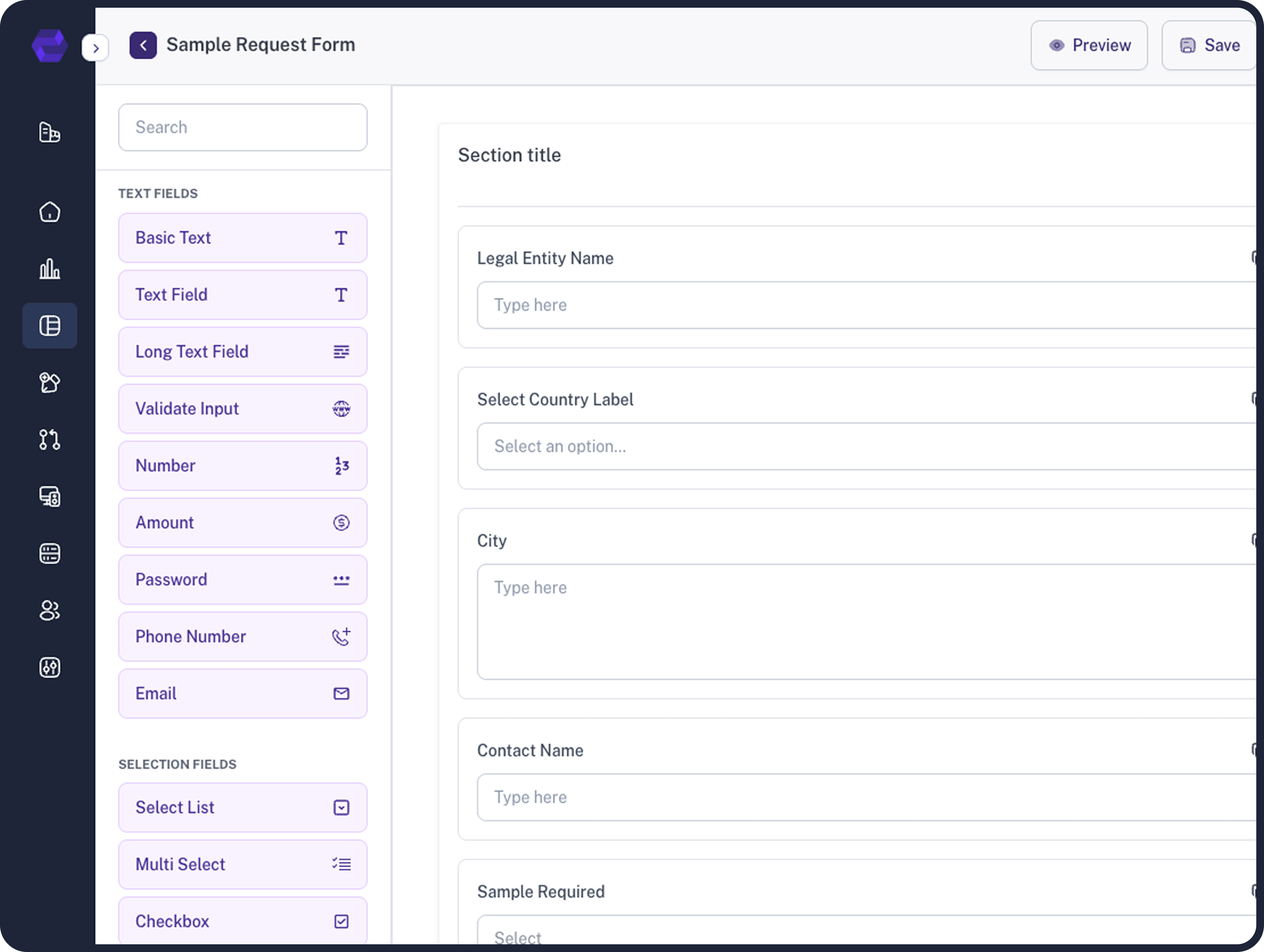
Choose the questions, add boxes for answers and let people attach files. For example, an expense form can ask for an amount and a receipt, then send them to the right person.

Taskforge form designer with fields and a request form

Add new tools when you need them

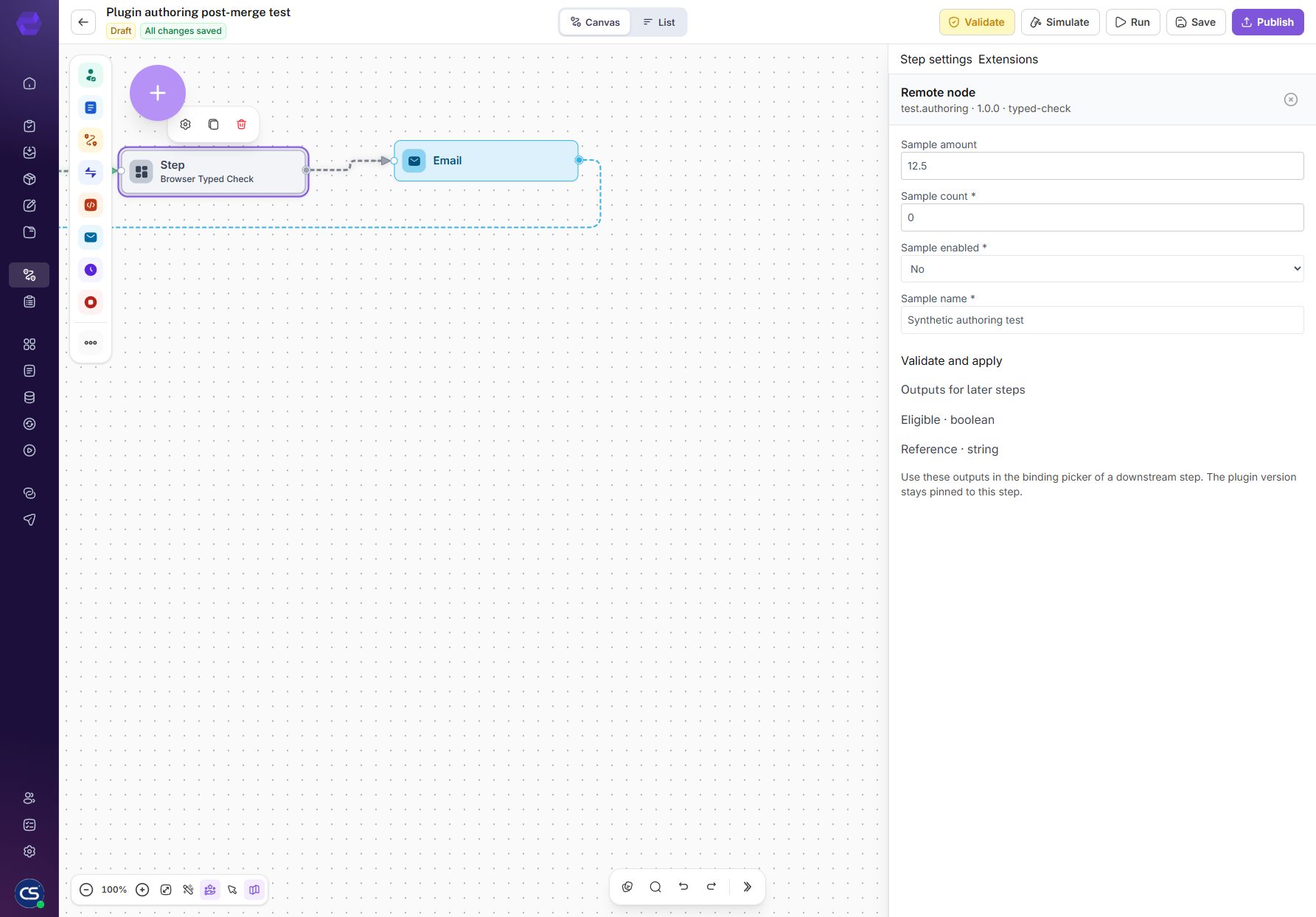
A plugin adds an extra ability to Taskforge, like connecting a step to another service. Your admin checks and approves it before your team can use it.

Taskforge remote node editor with typed inputs and outputs for later steps

Build forms and workflows with Ask Roci

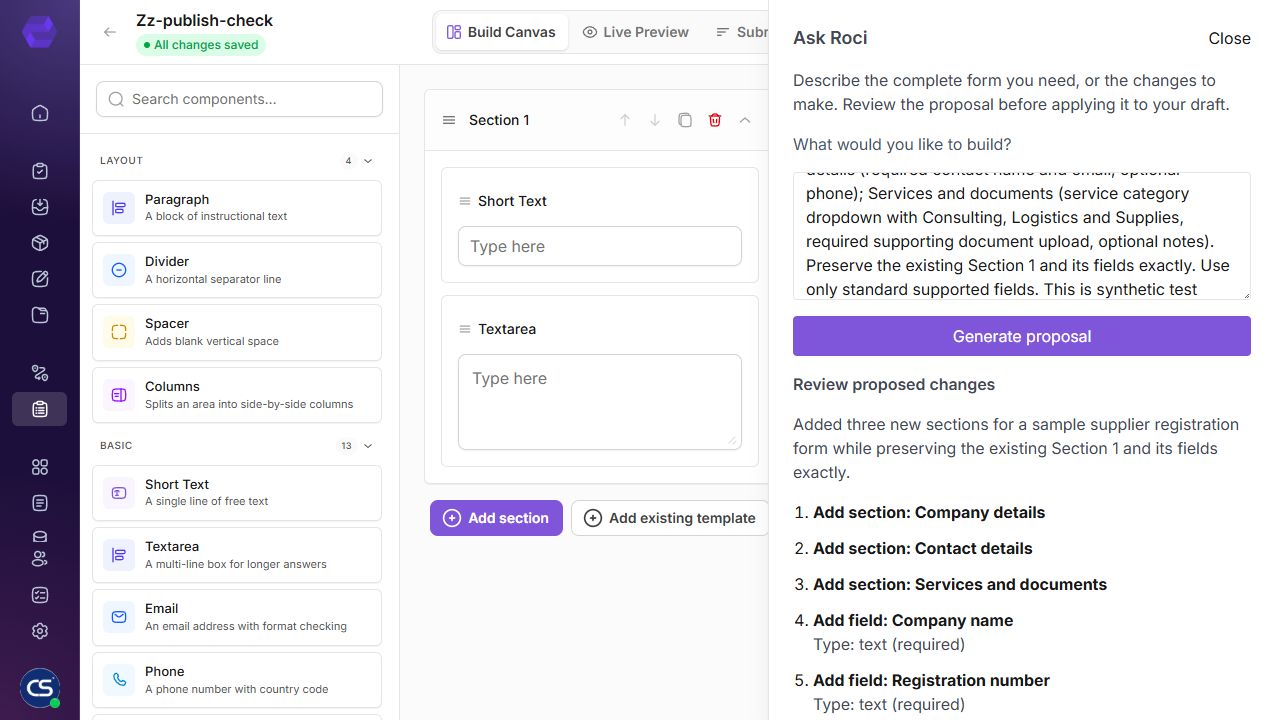
Type something like “Create a purchase request form and send it to a manager for approval.” Roci helps draft your form and workflow steps, including who approves a request and what happens next. You can ask it to change an existing workflow too. Review and test the draft before publishing.

Ask Roci in the Taskforge form designer proposing supplier registration sections and fields
FAQs

All the information you need to get started.

Get quick answers to common questions about workflow automation, integrations, security, and getting started with our platform.

Taskforge is a workflow automation platform for collecting information, routing approvals, managing process steps and reporting on work. It brings forms, documents, integrations and dashboards into the same process.

You can design forms and workflows with visual tools. Advanced API connections, external plugin services and some data integrations may need help from a developer or administrator.

Examples include purchase requests, expense claims, supplier onboarding, document approvals and internal service requests. Each process must be configured for your team’s rules and access requirements.

Choose one process, list the information it collects and the people who review it, then build and test a practice workflow. Contact the team to discuss access and setup.

Yes. The form designer supports common fields, sections, required answers and file uploads. You can use submitted values in later workflow steps.

A submission starts or continues a configured process. The engine follows the connected steps and conditions. When a human decision is needed, the request waits for the assigned action before continuing.

Yes. Bind the submitted value to a condition and configure the routes. For example, a higher-value expense can require an additional approval.

Configure rework and decision paths in the workflow so the requester can provide the required corrections. Test these paths alongside approvals and rejections.

Ask Roci is Taskforge’s AI assistant for drafting workflows and forms from plain-language instructions. Review its proposal, apply it to a draft and test before publishing.

Yes. Tell Roci the steps you want, who should approve each request and what should happen next. For example: collect an expense claim, send it to a manager, then notify the requester of the decision. Roci helps create a workflow draft and update an existing one. Review the steps and connections, set the right people and permissions, and test before publishing.

Roci can propose sections and common fields from your description. Review required fields and choices, then configure advanced rules, calculations or integrations in the designer where needed.

A proposal is reviewed before you apply it. Continue using the designer’s normal save and publish controls. Applying a proposal may use normal draft autosave.

Where available and enabled, Roci can use approved plugin components and supported property extensions. It cannot approve an unregistered plugin or create its external hosted service.

Read all Taskforge questions and answers

Ready to Transform Your Workflows?

Bring your forms, approvals, documents and connected actions into a process your team can follow.

Get Started
footer-four-gradient
Taskforge Logo

TaskForge unifies workflow automation, document management, and process orchestration into a single, secure platform.

Company

  • Contact Us

Support

  • FAQ
  • Features
  • Workflow capabilities
  • Integrations
  • Pricing enquiries

Legal Policies

  • Terms & Conditions
  • Privacy Policy
  • Cookie Policy

Copyright ©Taskforge – smart application for modern business